 Access Tab
Access Tab
Access Tab
The Ultimate Browser Productivity Suite Tame tab chaos, organize notes, and customize your browsing with one powerful extension. Lightweight, privacy-focused, and free. Transform how you browse today! Get 40% more done with features like:
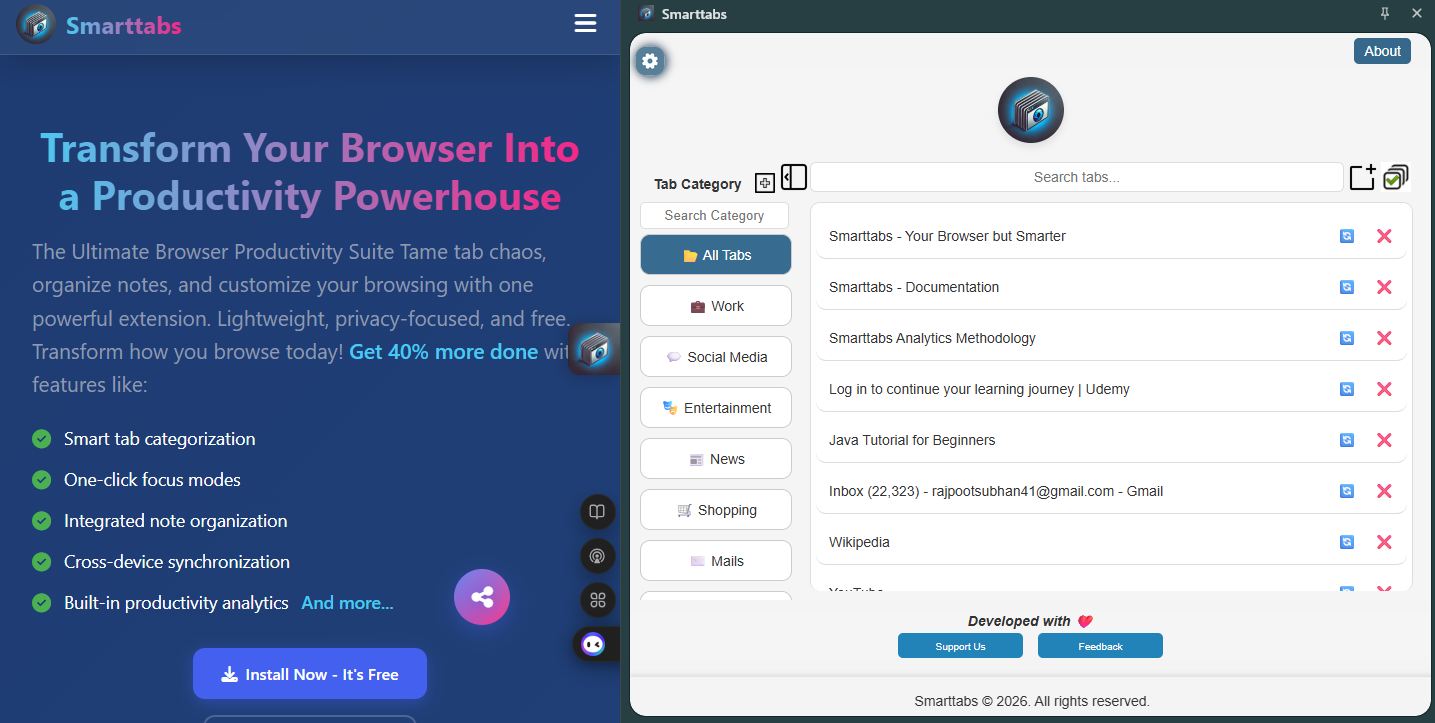
Transform your browser into a productivity command center
One-click install from any browser store - no setup required. Access Tab works silently in the background immediately after installation.
Watch as Access Tab automatically categorizes your tabs by project, topic, or priority. Customize groups with drag-and-drop simplicity.
Bulk-close distractions, save tab groups for later, or spawn new research sessions with one click from your organized workspace.
Streamline your workflow with intelligent tools that help you stay focused and organized.
Access Tab helps you stay organized and productive with these key features
Automatically categorize and group your tabs for easy access and better focus.
Reduce memory usage by intelligently managing inactive tabs without losing your work.
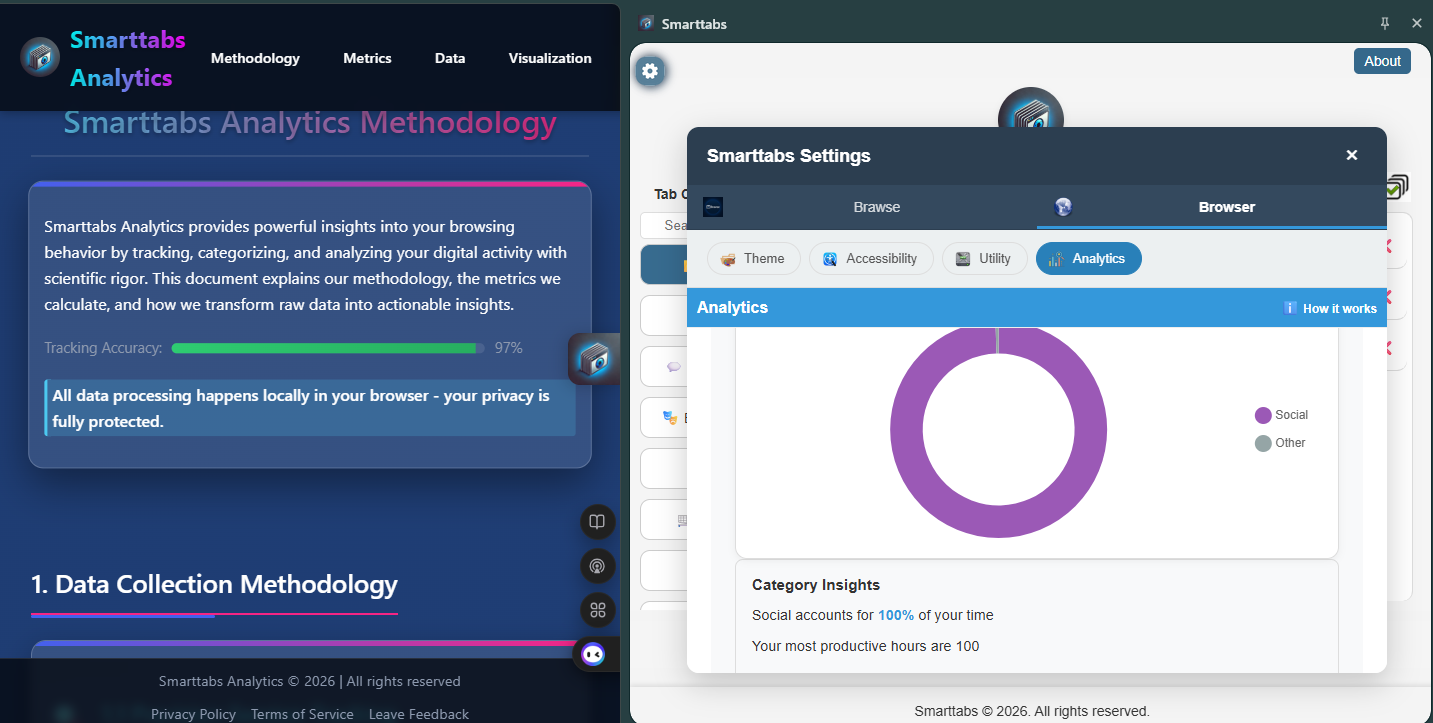
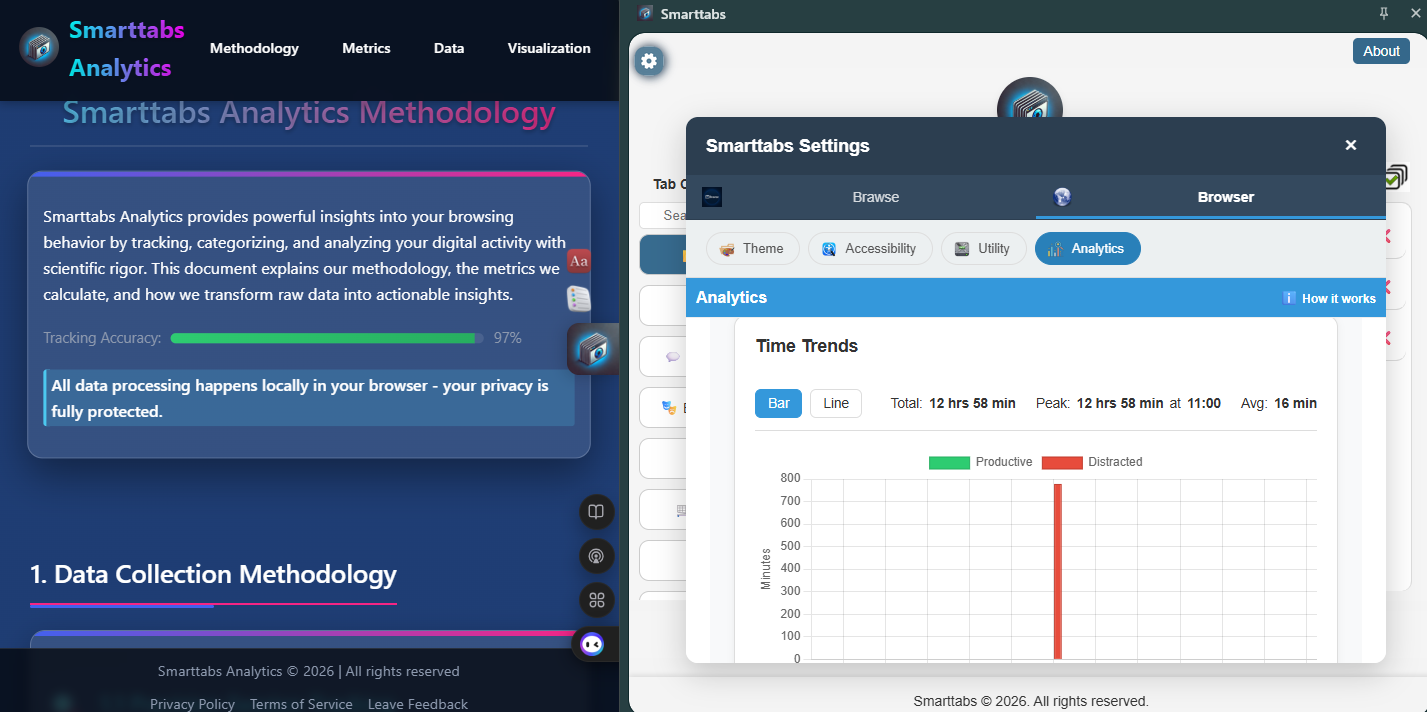
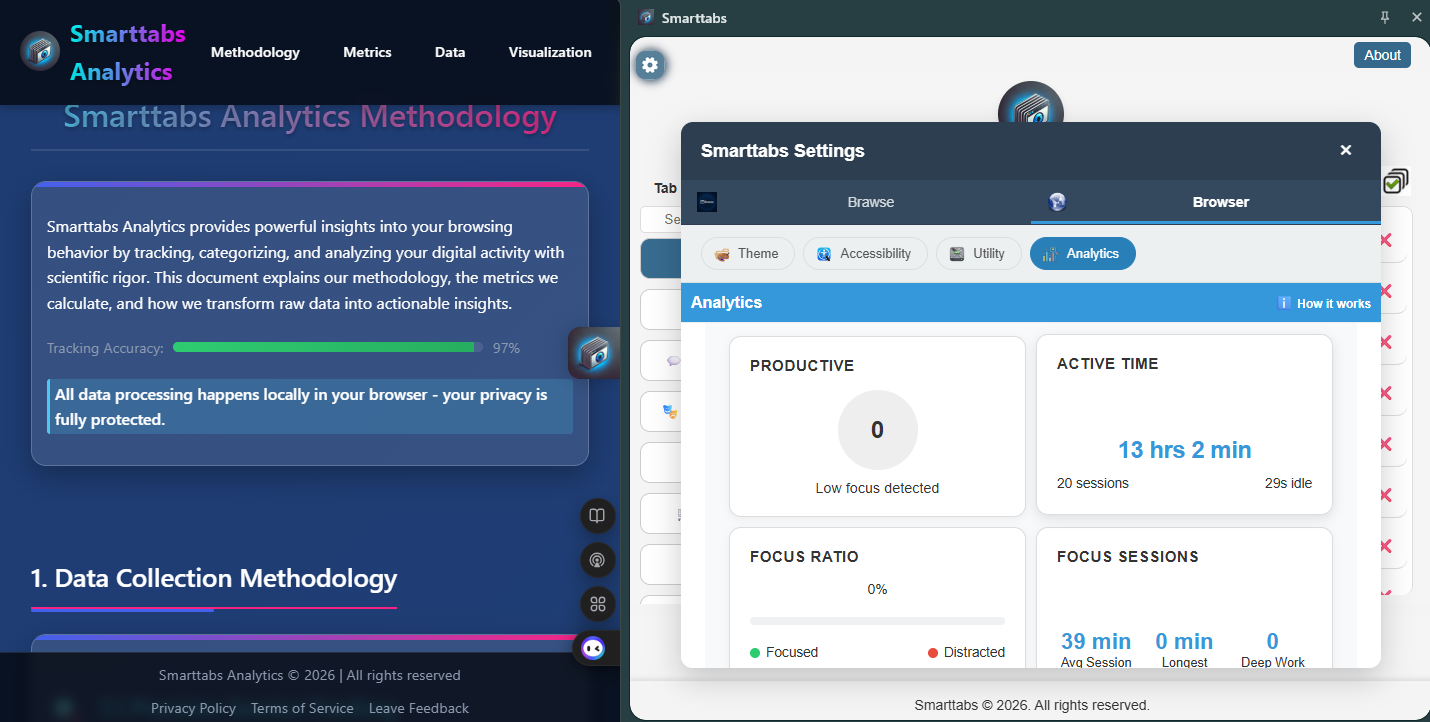
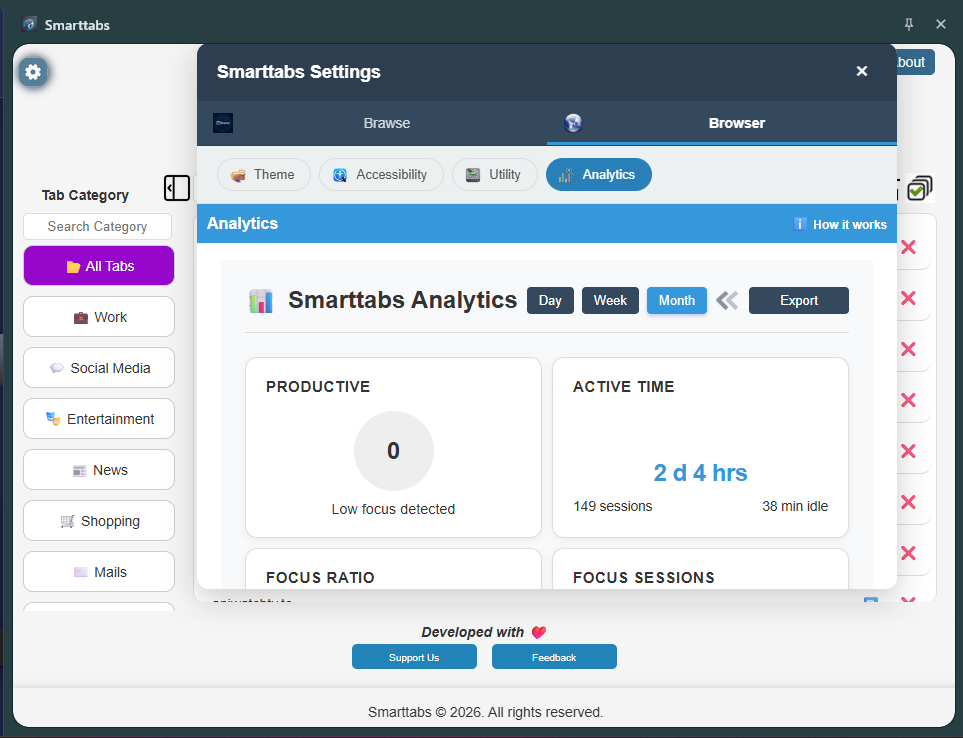
Gain insights into your browsing habits and improve your workflow efficiency.
Personalize your browsing experience with themes, layouts, and quick-access panels.
Minimize distractions by temporarily hiding non-essential tabs and notifications.
Your browsing data and preferences stay in your browser instead of a hosted account database.
Dyslexia-friendly fonts, color blindness filters (Protanopia, Deuteranopia, Tritanopia, Achromatopsia), reading progress indicators, and focus enhancements.
Multiple dictionary sources with audio pronunciation, offline mode, and customizable preferences for your learning needs.
Block distracting content like social media, gaming, dating, or adult sites. Customize filters to match your productivity goals.
Choose between dark, light, or system theme. Fine-tune with brightness, contrast, grayscale, sepia controls, and font adjustments.
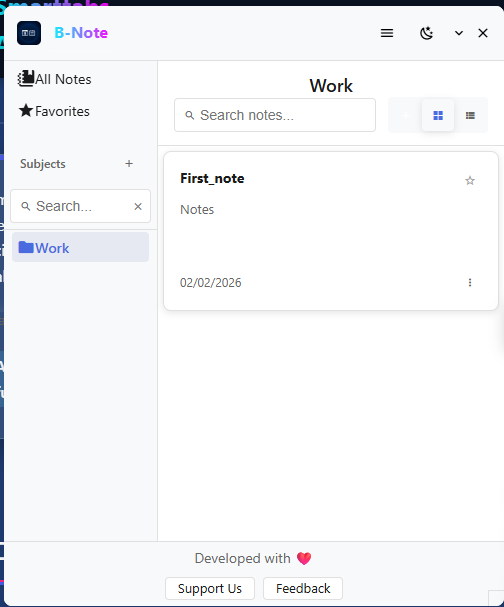
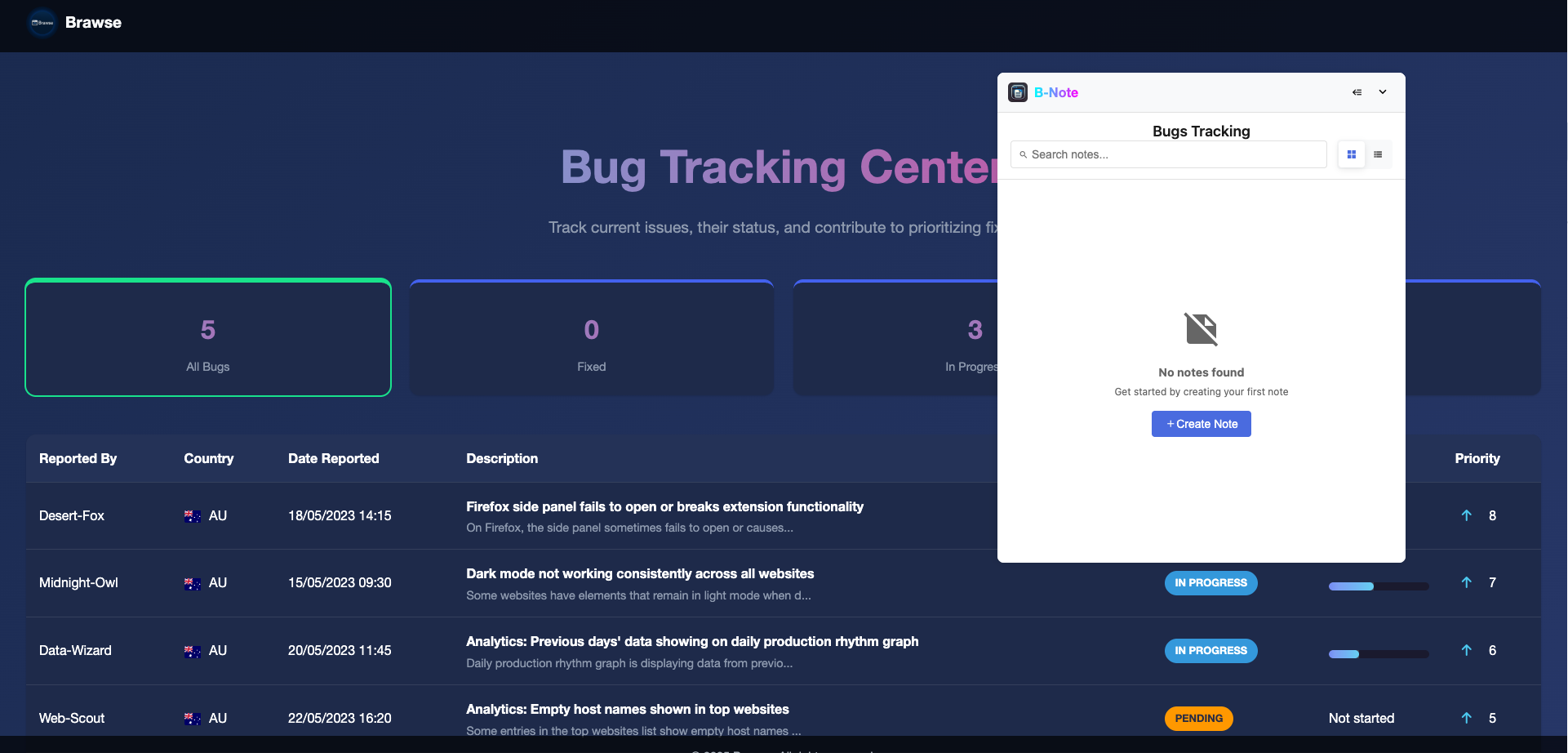
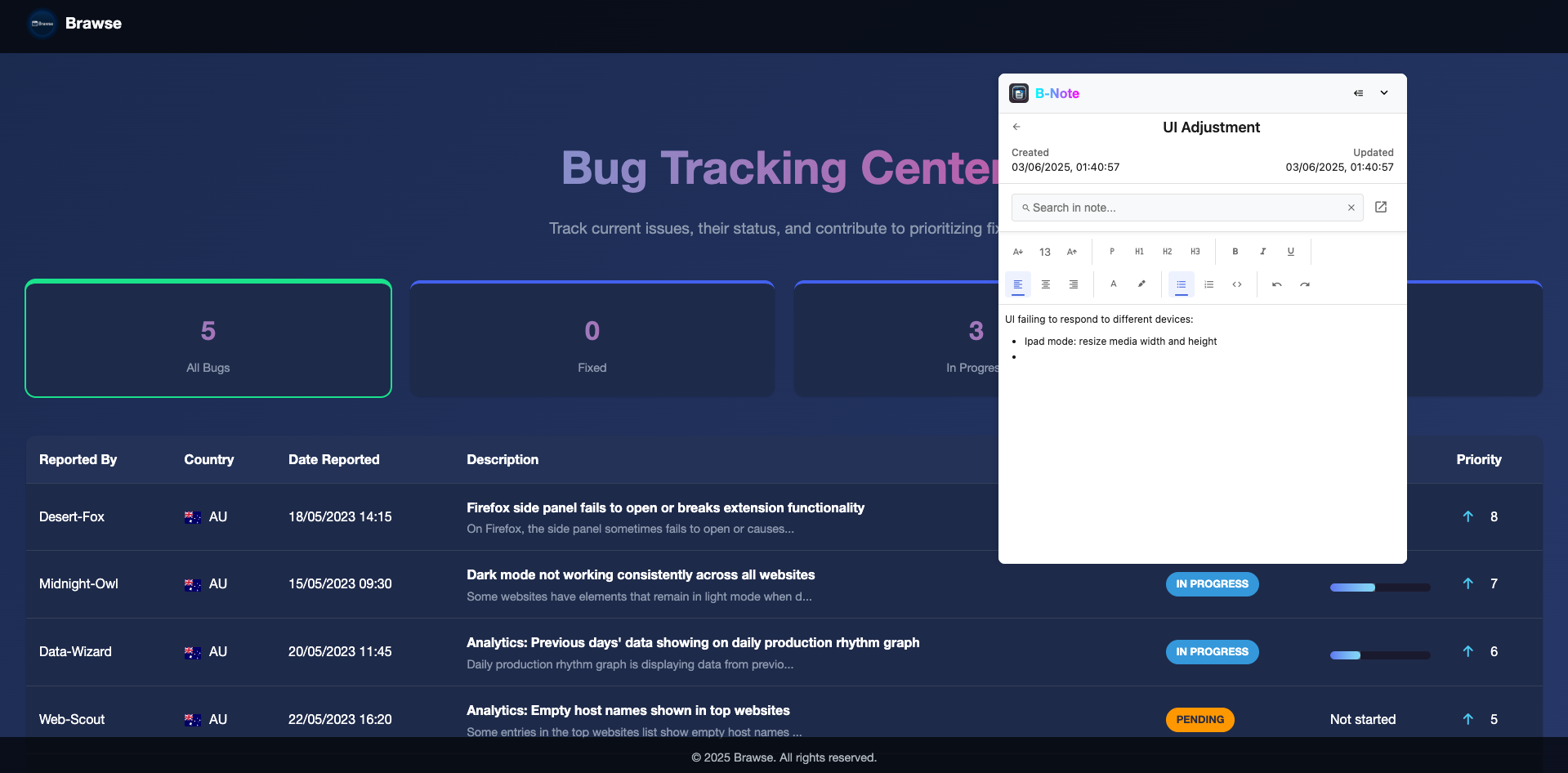
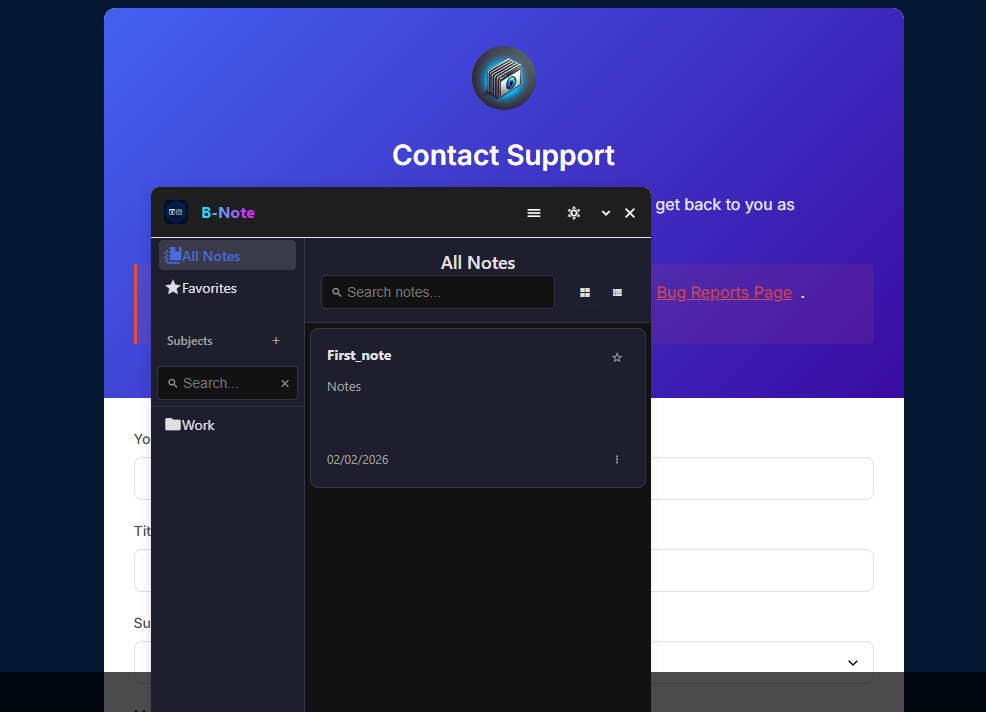
Capture, categorize, and retrieve ideas instantly with our hierarchical note system. Perfect for research, brainstorming, and project planning.
Understand and improve your browsing habits with detailed insights
See how much time you spend on different websites and categories.
Visualize your browsing distribution across work, social, and other categories.
Get a daily score that helps you understand your browsing efficiency.
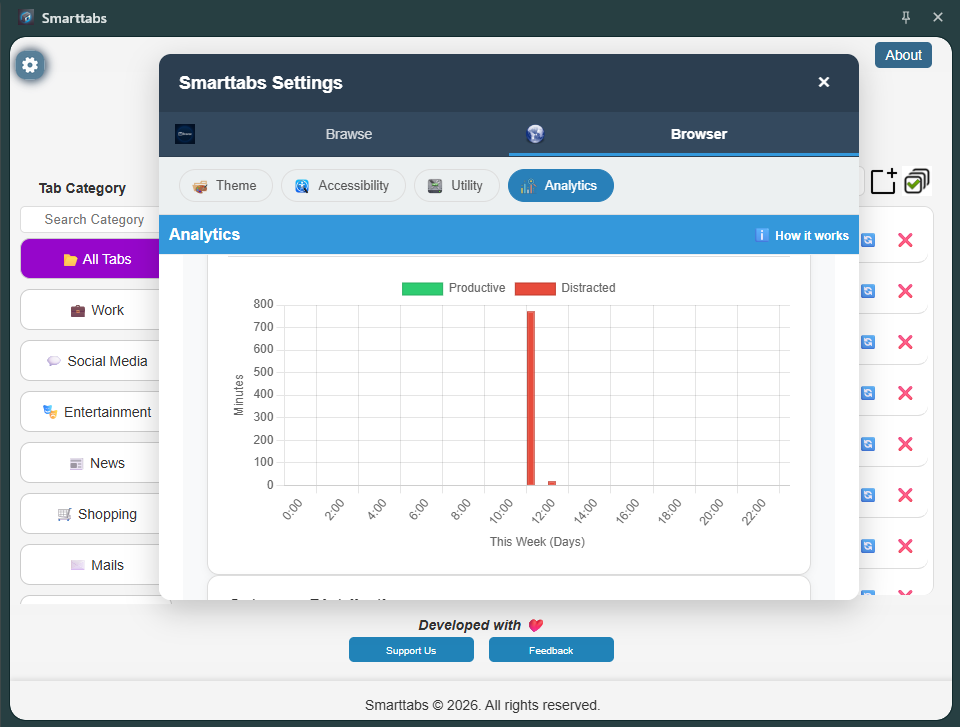
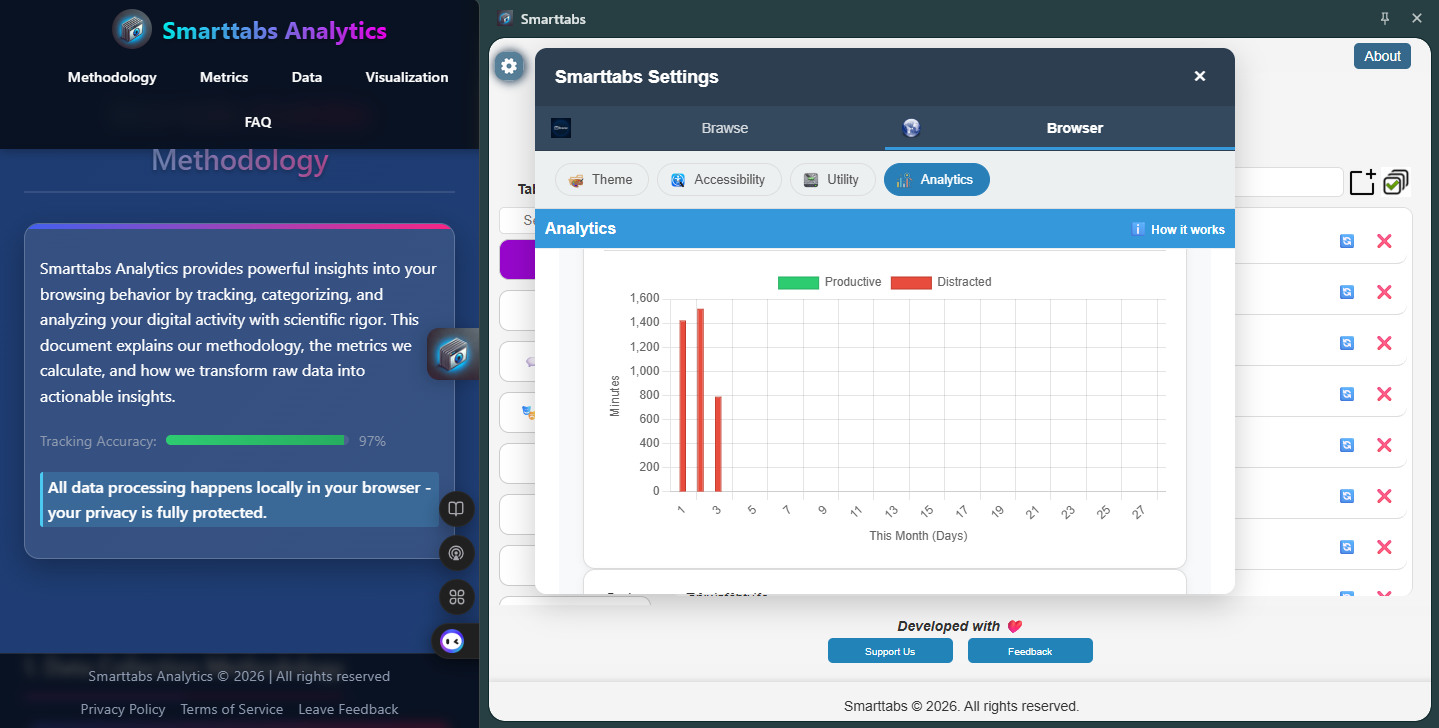
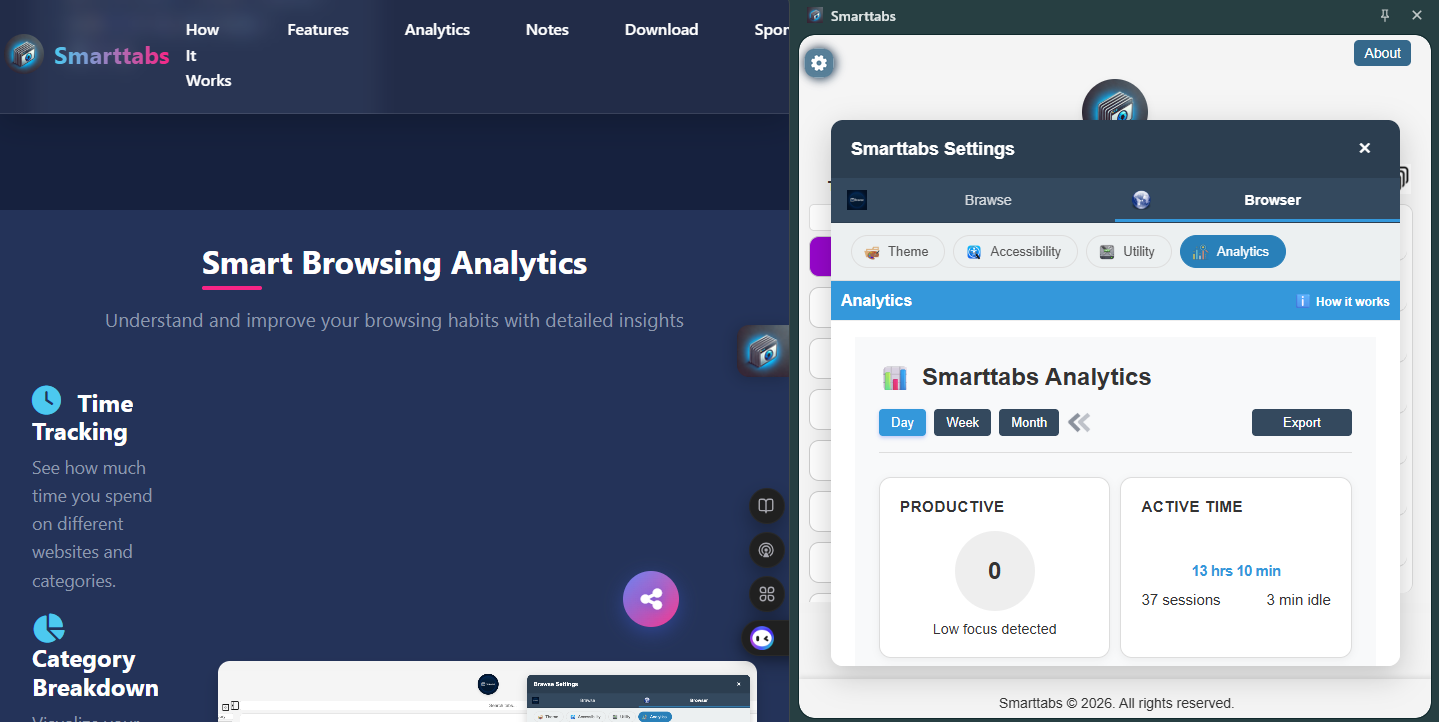
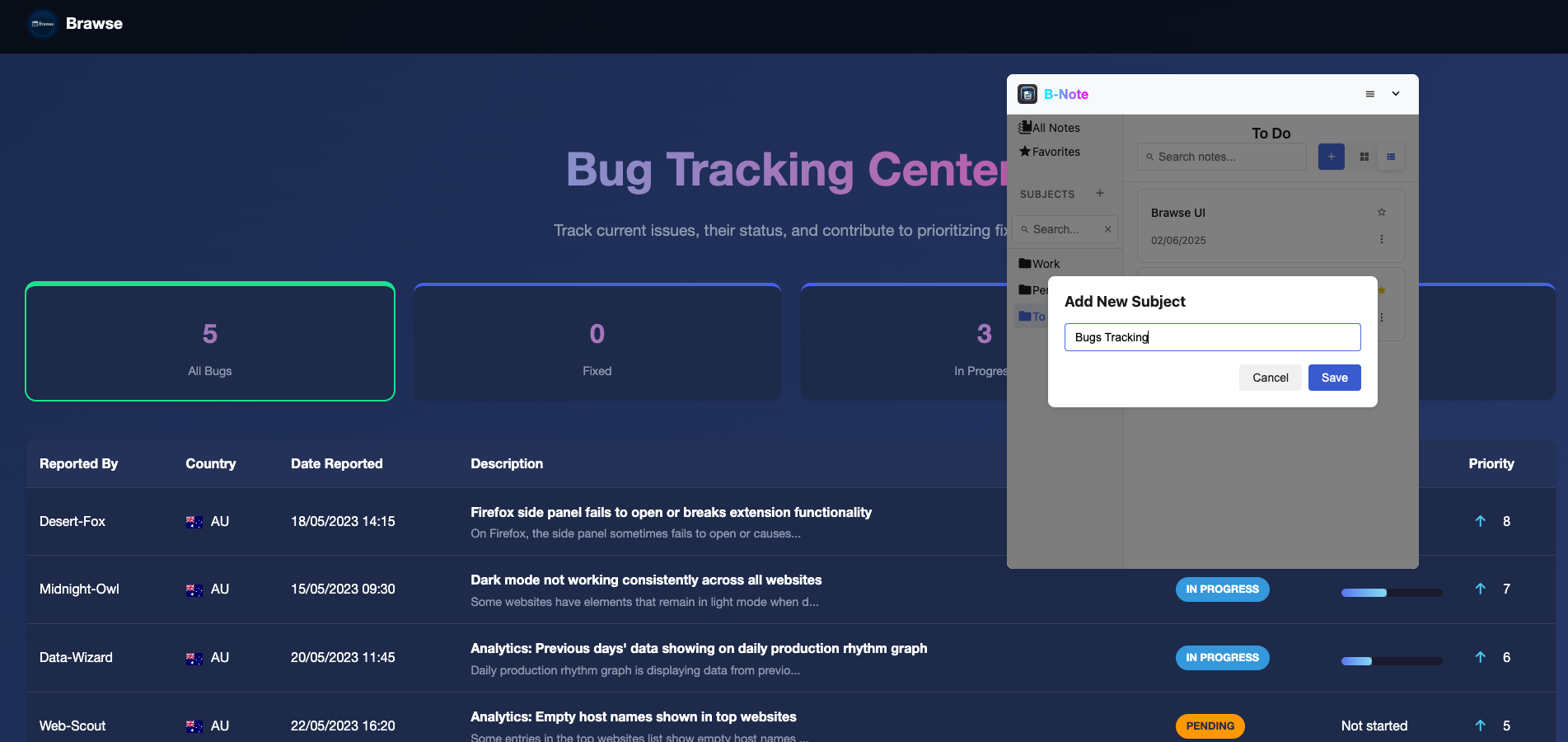
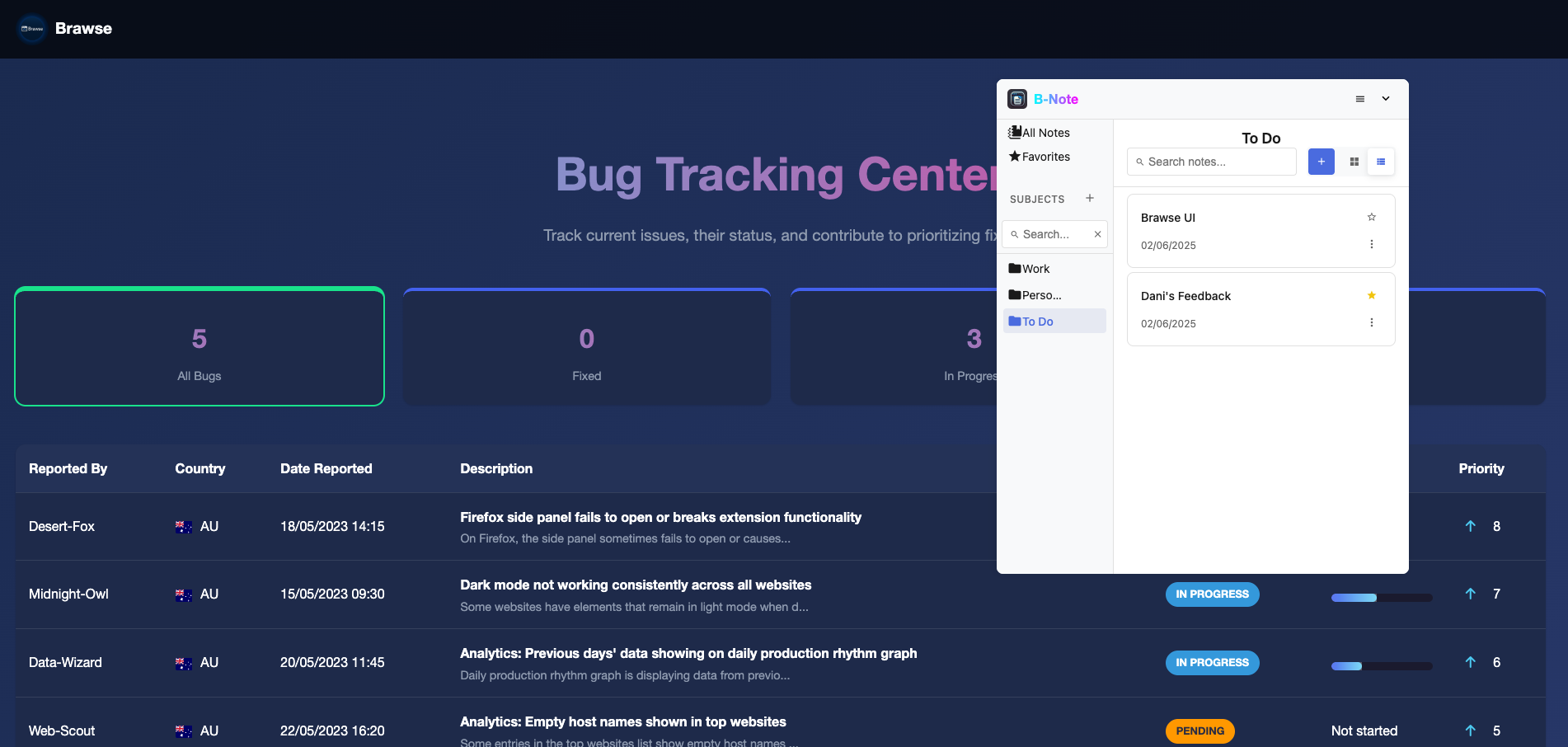
Access Tab's built-in note system helps you capture, organize, and retrieve ideas seamlessly
Categorize notes by subjects and subcategories for perfect structure.
Find any note instantly with our powerful search technology.
Create beautiful notes with headings, lists, code blocks and more.
Available for Chrome, Edge, Firefox, and Opera